On this page
For a portfolio, side project or small business site, you shouldn't need to pay — or run a server — just to receive contact messages. Plenty of services offer free plans. The catch is that "free" means very different things from one to the next.
Here's what to look for, and how the most popular free options compare for developers.
What "free" should include
- Enough submissions for real traffic, including the occasional spike.
- Spam protection — otherwise a free plan's monthly allowance can be eaten by bots.
- A dashboard, so a message isn't lost if an email goes to spam.
- Your own design — plain HTML, not an iframe.
- JSON responses for AJAX submissions in React, Vue or vanilla JS.
- No branding forced onto your site.
- No credit card required to start.
Hidden limits to watch for
- Per-form limits — some free plans allow only one or two forms.
- Retention — submissions may be deleted after a short period.
- Spam counts against your quota on some services.
- Feature gating — redirects, custom subjects or AJAX support may be paid extras.
- Email address exposure — some services put your email in the page source.
The options
Formclick
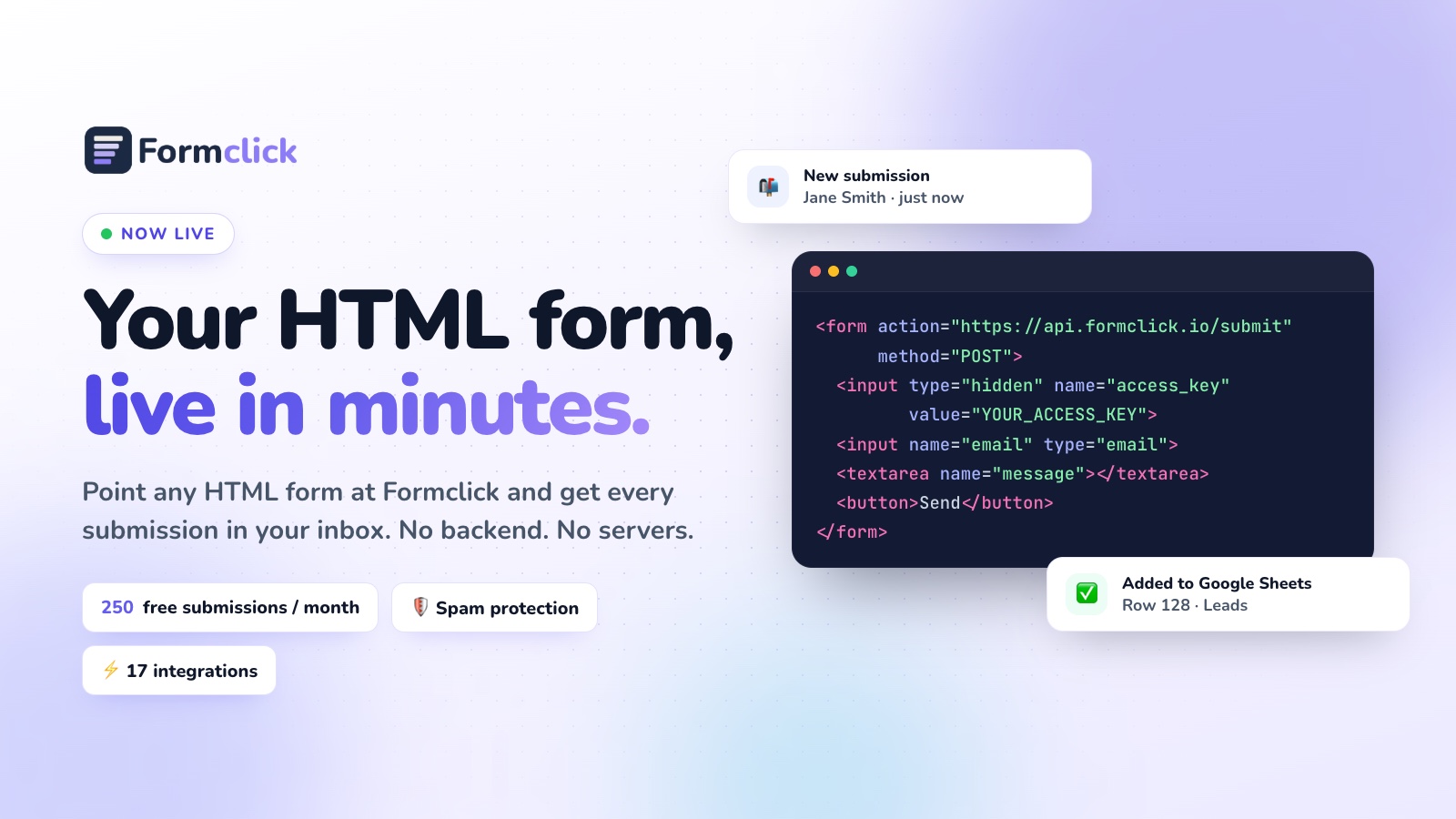
Free plan includes 250 submissions a month, unlimited forms, email notifications, spam filtering, the honeypot, a submissions dashboard and redirects to pages on your own site. No credit card required. Works with plain HTML or fetch/Axios, returning JSON. Paid plans add webhooks, autoresponders, Google Sheets, file uploads and CAPTCHA.
<form action="https://api.formclick.io/submit" method="POST">
  <input type="hidden" name="access_key" value="YOUR_ACCESS_KEY">
  <input type="checkbox" name="botcheck" style="display: none;">
  <input name="name" required>
  <input name="email" type="email" required>
  <textarea name="message" required></textarea>
  <button type="submit">Send</button>
</form>
Web3Forms
Free email delivery using an access key in a hidden field. Very simple to start; it's focused on email rather than a full submissions dashboard and integrations.
FormSubmit
Completely free and almost zero setup: post to a URL containing your email (or an alias) and confirm once. Best for quick experiments; limited control and no proper dashboard.
Formspree
A mature product with a free tier aimed at trying it out. Good developer tooling; most useful features are on paid plans.
Netlify Forms
Free allowance included with Netlify hosting. Excellent if your site lives on Netlify; not available elsewhere.
Google Forms
Free and unlimited, with responses in Google Sheets. But you embed Google's form rather than using your own HTML, so it rarely suits a professional contact page.
At a glance
| Service | Own HTML | Dashboard | Works on any host | Best for |
|---|---|---|---|---|
| Formclick | Yes | Yes | Yes | Most projects; room to grow |
| Web3Forms | Yes | Limited | Yes | Email-only forms |
| FormSubmit | Yes | No | Yes | Quick tests |
| Formspree | Yes | Yes | Yes | Teams ready to pay |
| Netlify Forms | Yes | Yes | Netlify only | Netlify sites |
| Google Forms | No | Sheets | Yes (embed) | Internal surveys |
Free-tier numbers change frequently — check each provider's pricing page before deciding.
Developer tips for any service
- Use one form per site so you can tell where messages come from and turn one off without affecting the others.
- Keep the endpoint in config (an environment variable or a single constant) so switching providers is a one-line change.
- Always add a honeypot, even if the service filters spam.
- Handle errors in the UI when you submit via JavaScript — network failures happen.
- Test from production; some services restrict submissions by domain.
Our pick
If you want a free plan you won't outgrow the moment your site gets traffic — with unlimited forms, a real dashboard and spam protection included — Formclick's free plan is a strong default. Need a design? Copy our free contact form template, or follow How to Create an HTML Contact Form.