On this page
Today we're excited to announce that Formclick is live.
Formclick is a form backend for any website. You build your form in plain HTML — or React, Vue, Next.js, WordPress, Webflow, anything — and point it at Formclick. Every submission lands in your inbox and your dashboard, filtered for spam and ready to send on to the tools you already use.
No server to set up. No PHP mail scripts. No database. Just forms that work.
Why we built Formclick
Every website needs a form: a contact page, a quote request, a newsletter sign-up, a job application. Yet getting a simple form to deliver has always meant one of three compromises:
- Write and host backend code — and then maintain email delivery, spam protection and storage forever.
- Use a form builder's iframe — and give up your design and your HTML.
- Use a
mailto:link — and lose most of your messages.
We wanted something better: keep your own HTML and design, and let a reliable backend handle everything that happens after someone presses Submit.
How it works
It takes about two minutes:
- Create a free account and a form. You get an access key.
- Point your form at Formclick and add the key as a hidden field.
- Publish. Submissions start arriving in your inbox and dashboard.
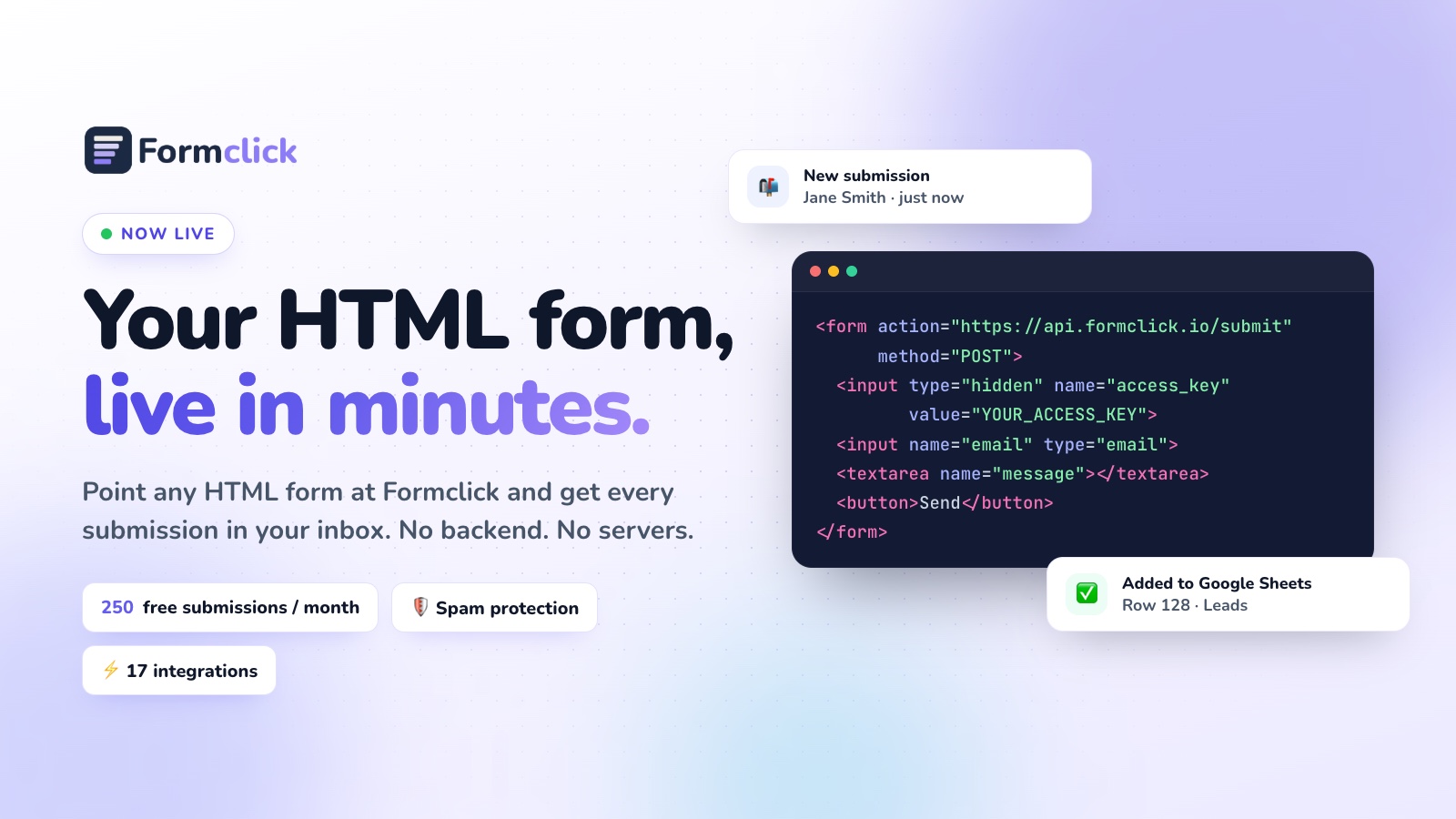
<form action="https://api.formclick.io/submit" method="POST">
  <input type="hidden" name="access_key" value="YOUR_ACCESS_KEY">

  <input name="name" placeholder="Name" required>
  <input name="email" type="email" placeholder="Email" required>
  <textarea name="message" placeholder="Message" required></textarea>

  <button type="submit">Send</button>
</form>
That's the whole integration. Any field with a name is captured automatically.
What's included from day one
- Email notifications with your own subject line and sender name — and reply-to set to the visitor, so you can answer with one click.
- A submissions dashboard to search, review and download everything, so nothing is lost if an email is filtered.
- Spam protection on every plan — filtering, a honeypot field, duplicate detection and rate limits. Add Google reCAPTCHA or Cloudflare Turnstile and lock forms to your domains on paid plans.
- 17 native integrations — Google Sheets, Notion, Airtable, monday.com, Discord, Brevo, MailerLite, ActiveCampaign, n8n, webhooks, and direct delivery to PostgreSQL, MySQL, SQL Server, MongoDB, Supabase and Neon.
- Autoresponders and file uploads to confirm every submission and collect CVs, images and documents.
- Redirects and inline success messages — send visitors to your own thank-you page, or show a message in place with one small script.
- 100+ free HTML form templates — contact, registration, feedback, booking, surveys and more, ready to copy.
- Works with every stack — copy-paste examples for HTML, JavaScript, React, Next.js, Vue, React Native, Flutter and more.
- An MCP server so AI assistants can create forms, read submissions and set up webhooks for you, with your approval.
Pricing
Start free, upgrade when your forms grow.
| Plan | Price | Submissions | Highlights |
|---|---|---|---|
| Free | $0 | 250 / month | Unlimited forms, email notifications, spam filter & honeypot |
| Starter | $59 / year | 5,000 / month | Webhooks, Discord, redirects to any site, domain restrictions |
| Pro | $15 / month | 10,000 / month | Autoresponders, Google Sheets, file uploads, priority support |
| Business | $39 / month | 20,000 / month | Built for agencies and high-volume teams |
No credit card is needed for the Free plan. See every detail on the pricing page.
Who it's for
- Developers who want a contact form on a static site in minutes, not a backend project.
- Designers and agencies who hand-craft HTML and need forms that work on every client site.
- Founders and small businesses who need leads, bookings and enquiries delivered reliably.
- No-code builders on Webflow, Framer, WordPress and more who want forms without plugins.
Get started
- Create your free account — it takes a minute.
- Pick a ready-made template or use your own form.
- Read the documentation for frameworks, file uploads, spam protection and the API.
New to form backends? Our blog has guides to help, starting with How to Submit an HTML Form Without a Backend and How to Create an HTML Contact Form.
Thank you
To everyone who tested early versions, sent feedback and reported bugs: thank you. Formclick is better because of you.
We can't wait to see what you build. If you have questions or ideas, get in touch — we read every message.
Your forms, live in minutes. Start free →