On this page
- 1. Formclick — best all-round alternative
- 2. Web3Forms — best for simple email delivery
- 3. FormSubmit — best for a quick, free test
- 4. Getform — best for automation-minded teams
- 5. Basin — best for agencies
- 6. Netlify Forms — best if you're staying on Netlify
- Feature checklist
- How to switch from Formspree to Formclick
- Which should you choose?
Formspree is one of the original form backend services and still a solid product. But it isn't the right fit for everyone. Common reasons people look for an alternative:
- The free tier is too small for their traffic.
- Features they need — integrations, file uploads, autoresponders — sit on higher-priced plans.
- They want native integrations (Google Sheets, Notion, databases) without a separate automation tool.
- They manage many forms or client sites and want the cost to scale more gently.
Here are the strongest alternatives and what each is best at. Pricing changes regularly, so check each provider's site for current numbers.
1. Formclick — best all-round alternative
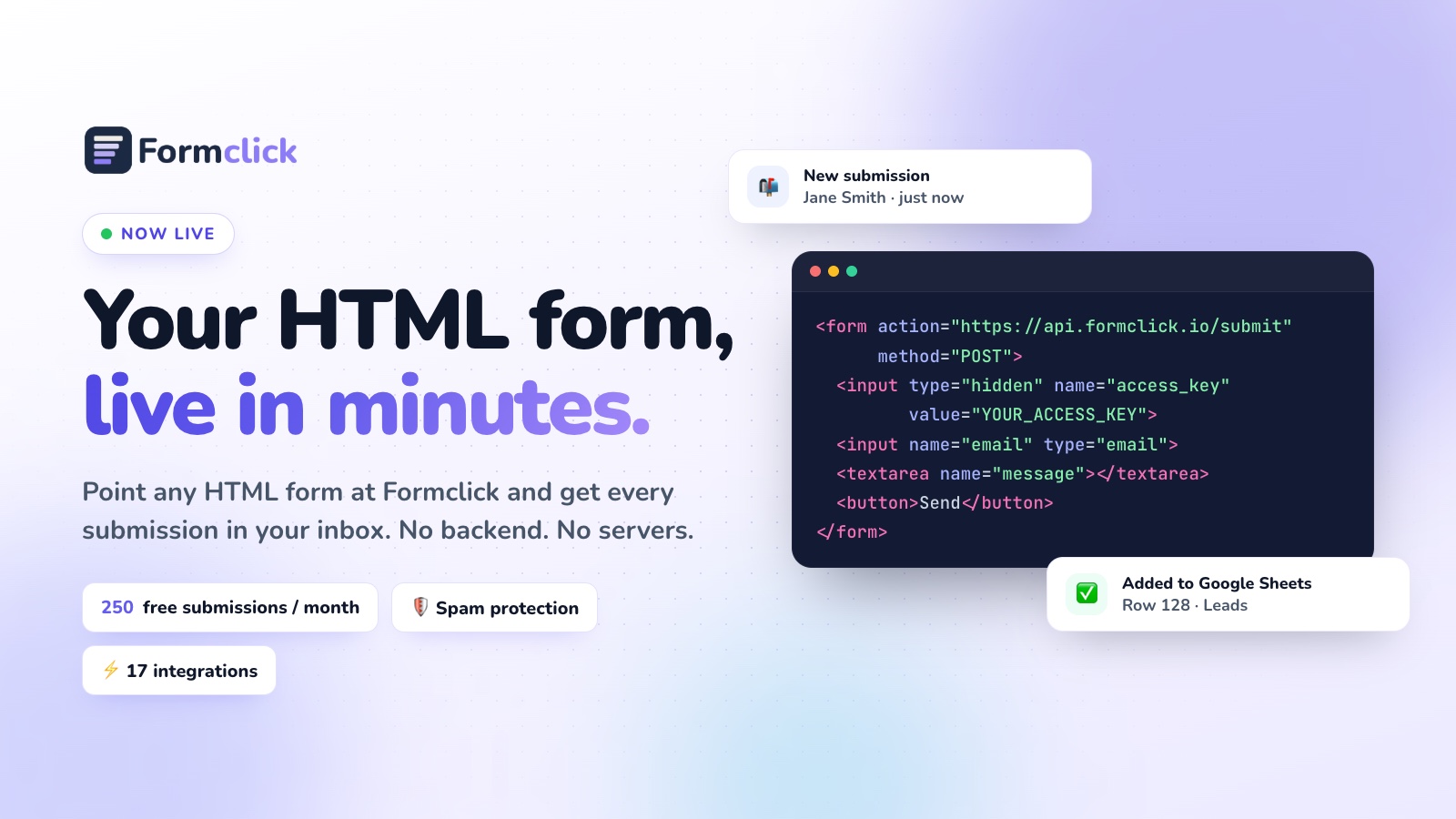
Formclick works the same way as Formspree from your HTML's point of view — a form posts to an endpoint — so switching is quick. Where it differs:
- Generous free plan: 250 submissions a month, unlimited forms, email notifications and spam filtering.
- Spam protection on every plan: filtering, honeypot, rate limiting and duplicate detection; reCAPTCHA or Cloudflare Turnstile on paid plans.
- Native integrations: Google Sheets, Notion, Airtable, monday.com, Discord, Brevo, MailerLite, ActiveCampaign, n8n, webhooks — and direct database delivery to PostgreSQL, MySQL, SQL Server, MongoDB, Supabase and Neon.
- Autoresponders and file uploads on Pro.
- 100+ free HTML form templates ready to copy.
2. Web3Forms — best for simple email delivery
A lightweight service focused on getting submissions into your inbox. Setup is a hidden access key, similar to Formclick. A good choice if you only ever need email delivery and don't need a full submissions dashboard or many integrations.
3. FormSubmit — best for a quick, free test
You use your email address (or an alias) in the form's action URL and confirm it once. There's almost nothing to set up, but also little control: no real dashboard, limited spam handling and fewer options for growing sites.
4. Getform — best for automation-minded teams
Provides a submissions dashboard, file uploads and integrations. Most capabilities are on paid plans.
5. Basin — best for agencies
Strong spam filtering and a clean interface for managing many forms. Popular with designers and agencies running client sites.
6. Netlify Forms — best if you're staying on Netlify
No external service — Netlify detects forms at deploy time. Ideal for Netlify-only sites, but it locks your forms to your hosting provider.
Feature checklist
| Feature | Why it matters | Formclick |
|---|---|---|
| Plain HTML endpoint | No lock-in, works anywhere | Yes |
| Unlimited forms on free plan | One account for every site | Yes |
| Submissions dashboard | Nothing lost if email fails | Yes |
| Spam tab, honeypot, rate limits | Clean inbox | Yes, all plans |
| CAPTCHA / Turnstile | Stops determined bots | Paid plans |
| Google Sheets | Easy reporting | Pro |
| Webhooks | Connect anything | Paid plans |
| Autoresponder | Instant confirmation emails | Pro |
| File uploads | CVs, images, documents | Pro (5 MB per file) |
| AJAX / JSON responses | SPAs and custom UX | Yes |
How to switch from Formspree to Formclick
Your form fields stay exactly the same. You change the action and add a hidden access key.
Before:
<form action="https://formspree.io/f/your-form-id" method="POST">
  <input name="email" type="email" required>
  <textarea name="message" required></textarea>
  <button type="submit">Send</button>
</form>
After:
<form action="https://api.formclick.io/submit" method="POST">
  <input type="hidden" name="access_key" value="YOUR_ACCESS_KEY">
  <input type="checkbox" name="botcheck" style="display: none;">
  <input name="email" type="email" required>
  <textarea name="message" required></textarea>
  <button type="submit">Send</button>
</form>
Migration checklist
- Create a free Formclick account and a form for each existing Formspree form.
- Update each form's
actionand add theaccess_key. - If you used Formspree's special fields (like
_subjector_next), use Formclick's equivalents:subjectandredirect. - If you submit with JavaScript, keep sending
Accept: application/json— Formclick returns{ "success": true, "message": "…" }. - Reconnect integrations in the Formclick dashboard.
- Send a test submission from each page, then export your old submissions for your records.
Which should you choose?
- Need integrations and a generous free tier? Formclick.
- Only need email for one small form? Web3Forms or FormSubmit.
- Running many client sites? Basin or Formclick.
- Hosting on Netlify forever? Netlify Forms.
For the wider market, read Best HTML Form Backend Services in 2026, or start free with Formclick.